Scripture
Moment
No missed days. Just your next moment with God.
Scripture Moment keeps your Bible reading plan moving without streak pressure. It shows your next passage, opens Bible Gateway when you want the text online, gives a prayer prompt, saves notes, and tracks progress.
Free to use today. Opens app.scripturemoment.com for Google sign-in.
How it works
Your next reading, your Bible, and a few simple tools when you want them.
Set up your plan
Choose language, plan, scope, and when to begin.
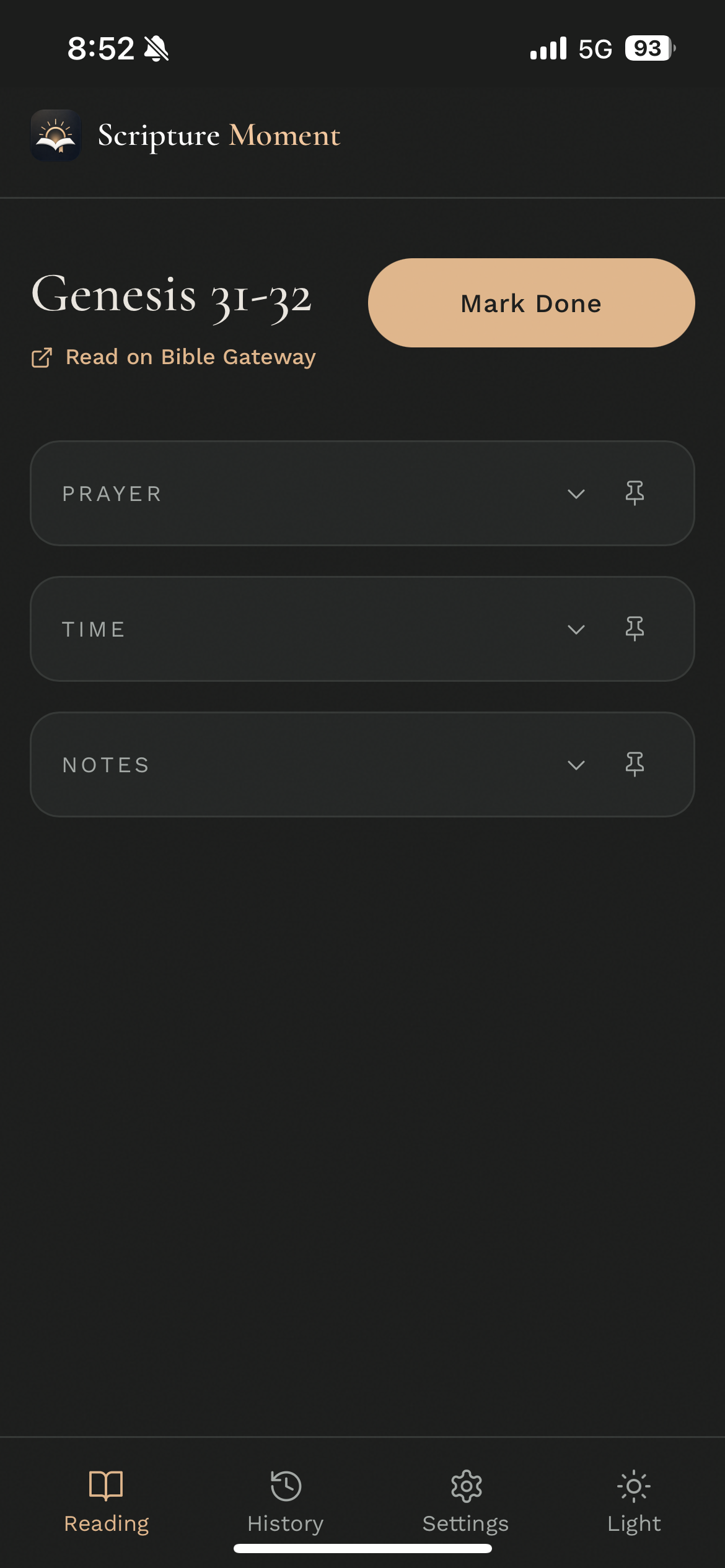
Open the next reading
See the next passage in your plan, not a stack of missed days.
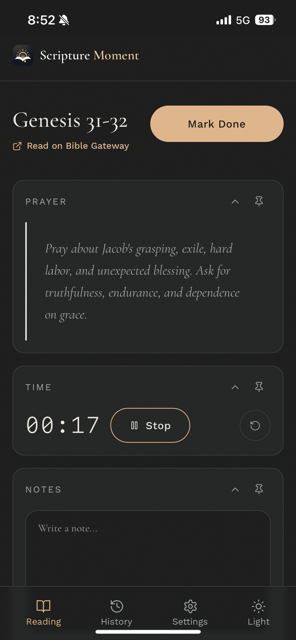
Read and respond
Use Bible Gateway or your own Bible, then pray from the prompt.
Save and keep going
Add notes if you want, mark complete, and return later to the next reading.
Choose how much you see
Bible Gateway, Prayer, Time, and Notes are shown by default. You can hide reading tools from Settings for a quieter screen.
Not another Bible reader
Scripture Moment is a companion for the Bible you already use. You do not need to catch up before you come back to Scripture. Start with the next passage. Pray from it. Keep going.
Read in the Bible on your shelf, in a Bible app you already love, or tap the Bible Gateway link shown on the reading screen. We do not host Bible text inside the app — that is by design, not an oversight.
Why no Bible text? Plans and languages
Choose the reading plan and app language that fits your life.
Plan type
Chronological Bible Reading
Follow an approximately chronological order through biblical events. Whole Bible, Old Testament, or New Testament scope.
Learn morePlan type
Regular Bible Reading Plan
A traditional book-by-book approach through the entire Bible. Flexible pace, no missed-day catch-up.
Learn moreLanguages
Multilingual support
Use Scripture Moment in supported languages, with Bible Gateway links matched to your selected reading language where available.
About the appEverything for a steady Scripture rhythm
Simple tools that support daily reading without adding complexity.
Reading plans
Chronological and regular plans across Whole Bible, OT, and NT scopes.
Progress tracking
Your place is always saved. No need to scroll back through missed days.
Reading timer
An optional timer on the reading screen, visible by default, hideable in Settings.
Prayer prompts
Each reading includes a prompt to help you move from the passage into prayer.
Notes
Write notes after each reading. Review and edit them from your history.
Reminders
Set morning, afternoon, or evening reminders so your Scripture moment fits naturally into your day.
Reading history
History cards show the prayer summary and your editable notes for each day.
Export
Export your reading history and notes to keep a record of your time in Scripture.
Light and dark mode
Switch themes in the app and on this website.
Frequently asked questions
-
No. Scripture Moment is a companion app, not a Bible reader. You read in your own Bible or use the Bible Gateway link shown on the reading screen to open the passage in a matching Bible Gateway version where available.
-
Nothing bad. Scripture Moment is progress-based, not streak-based. When you return, you pick up with the next passage — not a pile of catch-up readings. Just come back and keep going.
-
Scripture Moment uses Google Sign-In. Tap the Google button on the sign-in screen, choose your account, and you are in. Your reading progress, notes, timer drafts, and reminder settings are stored with your account; some display preferences remain device-specific.
-
Scripture Moment supports multiple languages for the app interface, reading plans, and prayer prompts. More languages can be added over time.
-
Yes. You can enable morning, afternoon, and evening reminder options from Settings. For phone notifications to work reliably, install Scripture Moment on your phone first.
-
Yes. Your notes, prayer summaries, and reading history are private to your account. We do not sell your data. See the Privacy Policy for details.
Start your Scripture Moment
Free to use today. Open the app, sign in with Google, and choose your plan.
Open the app